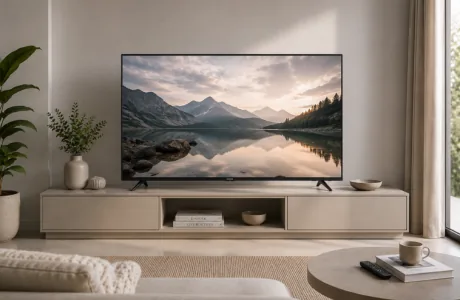

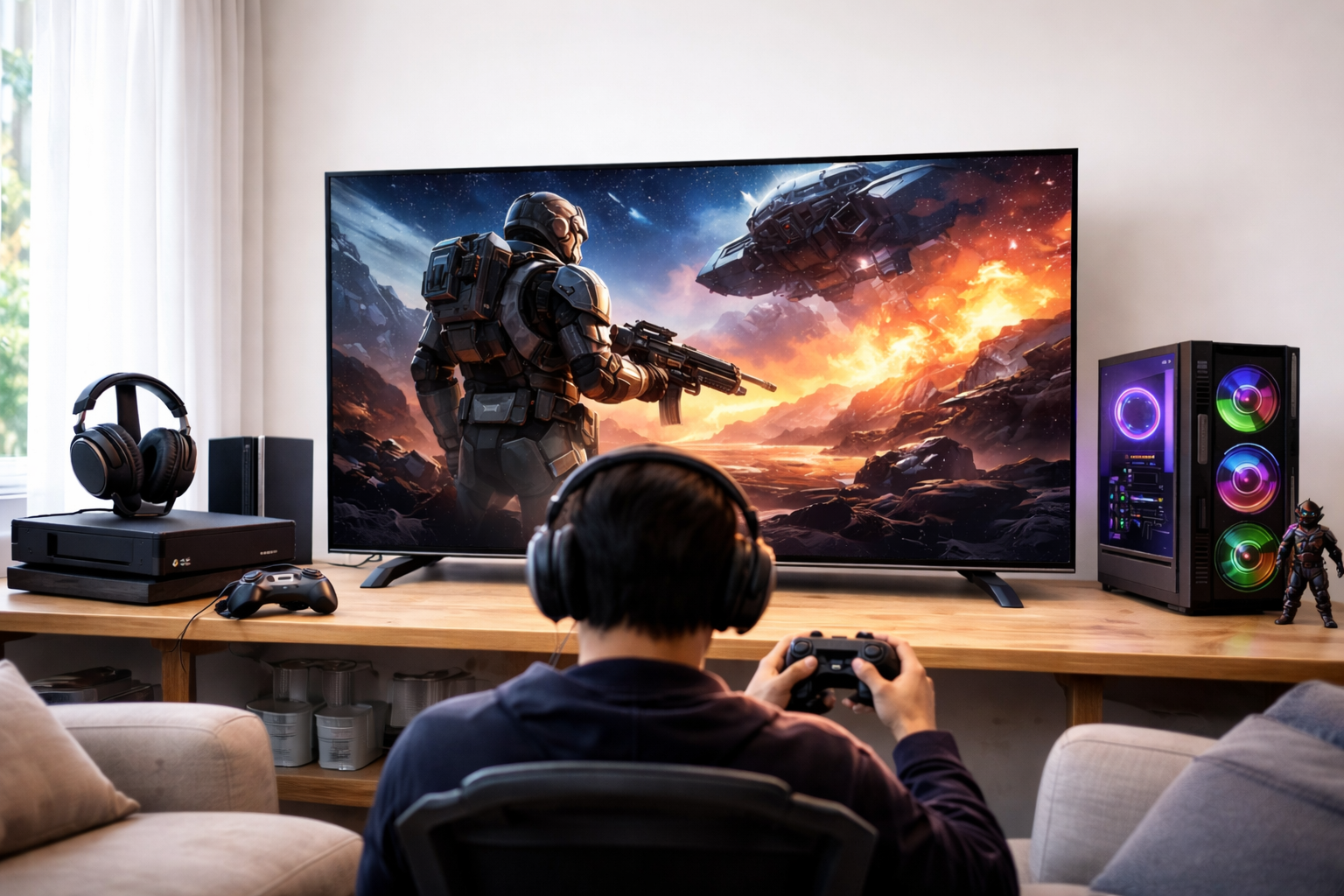
Finding the right TV for gamers can be tricky. Brands throw around technical terms without explaining what actually matters for your gaming setup for your gaming setup. With India's gaming market growing rapidly and many households using PS5s and Xbox Series X consoles alongside their TVs, choosing the wrong screen can be a costly mistake.
In this guide, Onida simplifies things by comparing panel technologies, refresh rates, screen sizes, and important gaming features. This way, you can confidently choose the right gaming TV, whether you're a competitive FPS player, a casual console gamer, or someone who also streams cricket and movies.
The best TV for gamers features low input lag (under 20ms in Game Mode), a refresh rate of 120Hz or higher, HDMI 2.1 support, and VRR capability, whether it has an OLED, QLED, or Mini LED panel.
Panel type is important, but so are room brightness, screen size, and your console setup. All four factors determine which smart TV for gaming is best for you.
These three technologies dominate the 4K gaming TV market. Here’s what each means for real-world gaming in India.
OLED uses per-pixel lighting, which means each pixel switches on and off independently. This provides perfect blacks, almost infinite contrast, and response times below 1ms. It's the top choice for dark-room, cinematic gaming. However, OLED panels start above ₹80,000 and can suffer burn-in from static HUD elements after extended gaming sessions. They also perform poorly in bright rooms.
QLED enhances an LED-backlit LCD panel with Quantum Dot technology, significantly boosting colour volume and peak brightness compared to standard LED. QLED is much brighter than OLED, making it ideal for well-lit Indian living rooms. There is no burn-in risk, and QLED models are available in a wide price range. The Onida NexG QLED range offers Quantum Dot colour science to Indian buyers for under ₹40,000, with 4K UHD resolution, HDR10, Dolby Vision, Dolby Atmos, and Google TV included.
Mini LED TV uses thousands of tiny LEDs behind the panel, grouped into local dimming zones. This allows for better brightness and contrast control across the screen. Quality models can achieve peak brightness of 1,000–2,000+ nits, making them excellent for bright Indian rooms, with no burn-in risk. The main drawback is blooming, a faint halo of light around bright objects on dark backgrounds, though higher-end models with more dimming zones manage this well.
| Feature | OLED | QLED | Mini LED TV |
| Black Levels | Perfect | Good | Very Good |
| Peak Brightness | 600–1,000 nits | 800–1,500 nits | 1,000–2,000+ nits |
| Response Time | <1ms | 4–8ms | 2–6ms |
| Burn-In Risk | Yes | None | None |
| Bright Room | Poor–Moderate | Good | Excellent |
| India Price Range | ₹80,000+ | ₹25,000–₹60,000 | ₹50,000–₹1,50,000+ |
| Best For | Dark gaming | Bright budget | All-round |
For most Indian gamers, a QLED or Mini LED smart TV offers the best mix of performance, adaptability to rooms, and value.
Mini LED TVs have a technical advantage in peak brightness and local contrast control, making them slightly better for gaming in tricky lighting or for competitive players who need to see fine details in dark areas of the screen. Models with a high number of dimming zones can almost completely eliminate blooming and rival OLED in contrast performance.
However, QLED remains the better choice for most Indian buyers. In the ₹25,000–₹45,000 price range, QLED consistently offers more features than Mini LED for the same price. It has wider availability, no burn-in risk, strong colour performance, and works well with important gaming features like HDR10, Dolby Vision, and MEMC. The Onida NexG QLED range fits perfectly in this price bracket, with models of 43, 50, and 55 inches available for various room sizes and gaming setups.
For those who want Mini LED performance, dedicated models from international brands are available for over ₹60,000. However, for value-conscious buyers in India, a well-equipped QLED is the more practical choice to start.
120Hz is the standard refresh rate for serious gaming in 2025. At 60Hz, fast-paced games display noticeable motion blur. At 120Hz, movement appears smoother, and competitive gameplay benefits from quicker on-screen feedback. Input lag, the delay between pressing a button and seeing the result, should be under 20ms in Game Mode. Ideally, it should be under 10ms for competitive play. Always verify that the input lag figure specifically applies to Game Mode. Standard picture-processing settings can introduce significant delays. Onida's NexG QLED models feature a dedicated Game Mode and MEMC technology for smoother motion in fast-paced content.
HDMI 2.1 is required for 4K gaming at 120Hz on the PS5 and Xbox Series X. It also enables VRR (Variable Refresh Rate), which synchronises the TV's refresh rate with the game's frame rate. This eliminates screen tearing and stuttering during demanding sequences. ALLM (Auto Low Latency Mode) works with VRR by automatically switching the TV to Game Mode when a gaming signal is detected, so you don't have to change settings manually each time you play. These features are becoming standard on gaming smart TVs priced above ₹40,000.
HDR expands the brightness and colour range in supported games. Dolby Vision is the most compatible HDR format across gaming and streaming. It adjusts brightness dynamically frame by frame. HDR10 is the baseline standard. For Indian buyers, a TV supporting both formats, like the Onida NexG QLED, offers the widest compatibility with titles and platforms, including Netflix India, Amazon Prime Video, and Disney+ Hotstar.
55 inches is the ideal size for living room gaming in Indian homes. It offers an immersive experience at the typical viewing distance of 6 to 9 feet. A good rule of thumb is that the ideal viewing distance for 4K content is about 1.5 times the screen's diagonal. At 7 feet, a 55-inch 4K UHD TV fills your field of view without requiring too much eye movement.
Competitive gamers often prefer screens between 43 and 50 inches. Smaller screens help reduce peripheral eye movement when tracking fast targets. For bedrooms, models measuring 32 to 43 inches work well. In large living rooms over 200 square feet, sizes of 65 inches or more are more appropriate.
The Onida NexG range offers models in 43, 50, 55, and 75 inches, catering to India’s most common room setups at reasonable prices.
A modern smart TV provides several gaming options beyond console connections.
An HDMI console or PC gaming is the most common setup. Simply connect a PS5, Xbox Series X/S, or gaming PC to the TV's HDMI port, enable Game Mode, and you’re set for 4K gaming. The Onida NexG Google TV has multiple HDMI and USB ports, dual-band Wi-Fi, and Bluetooth for wireless controllers and accessories.
Cloud gaming doesn’t require a console. Services like Xbox Cloud Gaming and NVIDIA GeForce Now stream games directly to a compatible smart TV. On Google TV, built into the Onida NexG series, these apps are available via the Google Play Store. A stable connection of at least 25 Mbps is recommended for 1080p, and 50 Mbps or higher for 4K cloud gaming.
Mobile screen mirroring via Chromecast Built-In, available on Onida NexG models, lets Android users wirelessly cast games to the big screen. This is a handy option for casual and party gaming.
Keeping your TV's firmware up to date and using a high-quality HDMI cable are two simple ways to enhance your gaming experience.
Most global buying guides overlook the realities of the Indian environment. Three factors need special attention.
Considering all major factors, panel technology, refresh rate, HDR, screen size, and Indian environmental issues, the best gaming TV in India at a mid-range price is one that combines 4K resolution, QLED colour technology, smart TV features, and everyday usability without the OLED cost.
Explore the full NexG QLED range at onida.com/televisions/qled and find the right size for your room and setup. Also browse the Onida NexG 43-inch 4K Google TV and the Onida NexG 50-inch QLED Google TV for detailed specifications.
The best TV for gamers focuses on low input lag (under 20ms), a 120Hz refresh rate, HDMI 2.1, and VRR. For Indian buyers under ₹40,000, the Onida NexG QLED, with 4K resolution, Dolby Vision, and Google TV, offers great gaming performance and everyday use at a reasonable price.
OLED excels in black levels, contrast, and response time, making it better for dark-room gaming. QLED is brighter, resistant to burn-in, and significantly more affordable, making it more practical for most Indian living rooms with ambient light.
OLED outperforms standard LED in contrast and response time. However, standard LED TVs with Game Mode and HDR can still work for casual gaming, and their lower cost and durability against voltage fluctuations make them a sensible choice for many Indian buyers.
OLED is the best gaming display in controlled lighting. For bright rooms and mixed use like gaming, streaming, and sports, QLED and Mini LED provide a better all-around option. Mini LED offers peak brightness, while QLED adds value.
Mini LED has an advantage in peak brightness (1,000–2,000+ nits) and localised contrast. QLED offers better value in the mid-range market. Both are great for gaming; the right choice depends on your budget and whether brightness or value is more important.
55 inches is generally the recommended size for Indian living rooms at a viewing distance of 6 to 9 feet. Competitive gamers often prefer sizes between 43 and 50 inches; bedroom setups do well with sizes from 32 to 43 inches. For 4K content, the ideal viewing distance is about 1.5 times the screen's diagonal.
Connect a console or PC through HDMI, use cloud gaming apps (like Xbox Cloud Gaming or NVIDIA GeForce Now) on a Google TV platform, or wirelessly cast mobile games using Chromecast. Turn on Game Mode and ensure a stable broadband connection of at least 25Mbps for cloud gaming at 1080p.
Mini LED is an excellent gaming display. It offers high brightness, strong localised contrast, no burn-in risk, and compatibility with VRR and HDMI 2.1. It’s particularly suited to bright Indian rooms where OLED's brightness limits become clear.



Please dispose of e-waste and plastic waste responsibly.
For more information or e-waste pick up, please call 7490 9555 55 or
click here for more details.