
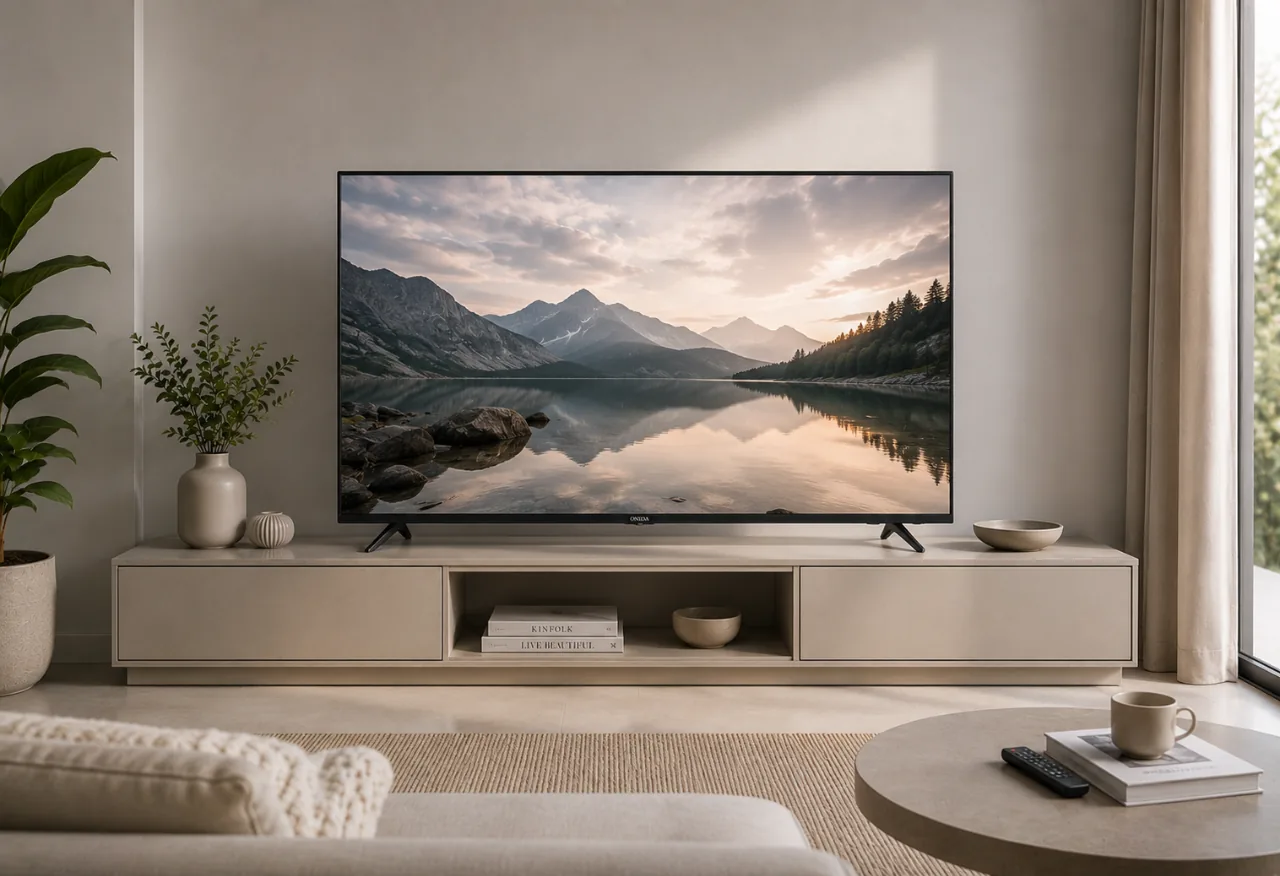
Shopping for a new TV used to involve a few straightforward decisions: screen size, resolution, brand and budget. Today, there's another layer waiting on the specification sheet: QLED, Mini LED and OLED.
They sound similar, but they don't work the same way.
The difference matters because display technology affects some of the things you'll notice every day, including brightness, black levels, contrast and how the picture looks in different viewing conditions.
There isn't one technology that's automatically right for every home. A TV for a bright family living room has a different job from one used mainly for films at night. And if sports, gaming and weekend binge-watching all happen on the same screen, your priorities shift again.
So, rather than asking which acronym wins, it makes more sense to ask: which display technology fits the way you actually watch TV?
Let's break it down.
The biggest distinction is how each technology produces and controls light.
QLED TVs use an LED backlight along with a Quantum Dot layer to improve colour reproduction and brightness.
Mini LED TVs are also backlit displays, but use much smaller LEDs for the backlight. This allows manufacturers to use more LEDs and achieve finer control over different areas of the screen. Mini LED can also be combined with Quantum Dot technology, so you'll often see TVs described as Mini LED QLED.
OLED TVs work differently. Their pixels produce their own light, which means individual pixels can switch off completely when displaying black.
That fundamental difference affects almost everything else, from brightness and black levels to the kind of room where each TV performs best.
QLED stands for Quantum Dot Light Emitting Diode.
Despite the name, QLED televisions still use a backlight. The key addition is a layer of Quantum Dots that helps the display produce vivid colours and strong brightness.
For everyday viewing, that makes QLED a versatile option.
Think about a typical living room at 3 pm. Curtains are open, sunlight is coming through the windows and someone wants to watch a match or catch up on a show. A television needs enough brightness for the picture to remain clear and engaging rather than looking washed out.
This is an environment where QLED technology makes sense.
QLED TVs are also available across a broad range of screen sizes and specifications, which gives buyers more flexibility when balancing display quality against budget and room size.
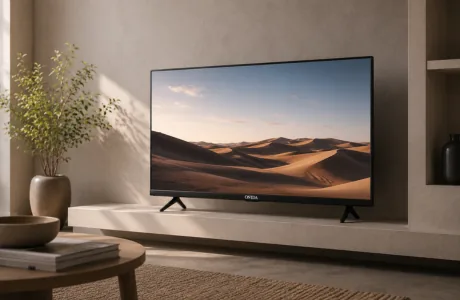
Onida's current TV portfolio includes 4K QLED Google TVs across multiple sizes. Select models combine Quantum Dot displays with features such as Dolby Vision, Dolby Atmos, HDR10, MEMC and the Pixa Visual Engine.
You can explore the Onida QLED TV range to compare current models and sizes.
QLED is worth considering if:
For many households, that balance is exactly what makes QLED appealing.
Mini LED refers to the technology used for the TV's backlight.
A traditional LED television uses LEDs behind the display to create the light needed to produce the picture. Mini LED makes those light sources much smaller, allowing a greater number of LEDs to fit behind the panel.
Why does that matter?
Imagine a scene with a bright moon against a dark night sky. Ideally, the moon should be bright while the surrounding sky remains convincingly dark.
The more precisely a backlit TV can control different areas of its backlight, the better it can handle scenes with bright and dark elements appearing together.
Smaller, more numerous LEDs give Mini LED displays finer control over brightness and contrast than conventional LED backlighting.
That can translate into brighter highlights, deeper-looking dark areas and stronger contrast, particularly when watching HDR content.
One common source of confusion is treating Mini LED and QLED as competing technologies.
They aren't necessarily.
QLED describes the use of Quantum Dot technology to enhance colour, while Mini LED describes the backlighting system. A television can therefore use both QLED and Mini LED technology.
Onida's current Mini LED televisions do exactly that. Its Mini LED QLED Google TVs combine Quantum Dot technology with Mini LED backlighting to improve brightness, colour and contrast control.
For buyers who already like what QLED offers but want more precise backlight performance, Mini LED QLED becomes a logical step up.
Explore the Onida Mini LED TV range to see how the two technologies are combined in current models.
OLED stands for Organic Light Emitting Diode.
Unlike QLED and Mini LED TVs, OLED does not rely on a conventional LED backlight. Instead, each pixel produces its own light.
When an OLED pixel needs to display black, it can switch off.
That's why OLED is particularly well known for deep blacks and strong contrast. In a dark scene, areas intended to be black can appear genuinely black rather than being illuminated by a backlight behind the panel.
This can be especially noticeable when watching films in a darker room, where black levels and shadow detail contribute heavily to the overall picture.
The trade-off is that OLED and Mini LED prioritise different strengths. OLED's self-lit pixels give it exceptional control over black levels, while Mini LED technology can deliver very high brightness through its backlighting system.
Which matters more depends on your viewing environment.
| Factor | QLED | Mini LED | OLED |
| How it works | LED backlight + Quantum Dots | Smaller LED backlights, often combined with Quantum Dots | Self-lit pixels |
| Brightness | Strong | Very strong | Strong, varies by panel |
| Black levels | Good | Better backlight control can improve blacks | Excellent |
| Contrast | Strong | High | Excellent |
| Bright-room viewing | Very good | Excellent | Good to very good |
| Dark-room viewing | Very good | Excellent | Excellent |
| Burn-in consideration | No OLED-style burn-in | No OLED-style burn-in | Potential consideration with prolonged static content |
| Best suited to | Everyday mixed viewing | Premium all-round viewing, HDR, sports and gaming | Cinema-focused viewing and deep blacks |
These are broad characteristics rather than a guarantee of how every television will perform. Panel quality, picture processing, HDR support, local dimming, refresh rate and the source content itself all affect the final picture.
If you're deciding between QLED and Mini LED, don't think of the decision as replacing one technology with another.
Think of Mini LED as improving how the backlight is controlled.
A QLED television already uses Quantum Dots to improve colour and brightness. When Mini LED backlighting is added, the television can control light more precisely across the screen.
That becomes particularly useful in high-contrast content.
Picture a night-time football match under floodlights. You have an intensely bright pitch and stadium lighting surrounded by darker stands and shadows. Better backlight control helps preserve the difference between those bright and dark areas.
Or consider an HDR film where sunlight is streaming through a window into an otherwise dark room. Mini LED's more precise backlighting can help retain both the bright highlight and the darker surroundings.
If you mainly watch regular television and streaming content, a good QLED TV may already deliver what you need.
If HDR, sports, gaming and premium picture performance matter more, Mini LED becomes more compelling.
This is where the comparison gets more interesting.
OLED's biggest advantage comes from its self-lit pixels. A black pixel can simply turn off, producing extremely deep black levels and strong contrast.
Mini LED approaches the challenge differently. Instead of switching individual pixels off, it uses a large number of small LEDs and local dimming to control the light behind different areas of the image.
OLED therefore has an inherent advantage when absolute black levels are the priority.
Mini LED's strength is brightness.
That can make Mini LED particularly attractive in living rooms with significant ambient light, where strong brightness helps the picture retain impact during daytime viewing.
For many Indian homes, that's an important consideration. The TV isn't necessarily sitting in a dedicated dark home theatre. It's in the living room with windows, ceiling lights, family members moving around and viewing happening throughout the day.
Your room matters almost as much as the panel.
If most of your viewing happens at night and cinematic picture quality is your biggest priority, OLED's black levels can be particularly appealing.
Dark films, space scenes and moody cinematography benefit from the ability to display very deep blacks.
But that doesn't automatically make OLED the only option for movie lovers.
Mini LED TVs can deliver high brightness and strong contrast, making HDR films look particularly impactful. Dolby Vision support can further improve compatible HDR content by allowing brightness and contrast information to adapt throughout the programme.
Onida's current Mini LED QLED models support Dolby Vision alongside HDR formats, combining the increased backlight precision of Mini LED with Quantum Dot colour.
So the question becomes less about "movies versus no movies" and more about where and when you watch them.
Dark room every evening? OLED's strengths become highly relevant.
Bright multipurpose living room? Mini LED may offer a more balanced experience across different conditions.
For sports, brightness and motion handling become especially important.
Football, cricket and other live sports often contain rapid movement across large areas of the screen. A television needs to keep that movement looking smooth while maintaining a bright, clear image.
This is why you shouldn't choose a sports TV based on QLED, Mini LED or OLED alone.
Look at features such as:
A Mini LED TV's brightness can be particularly useful for afternoon matches in a bright living room.
Onida's Mini LED QLED TVs include MEMC for smoother handling of fast-moving content alongside Dolby Vision and Dolby Atmos for compatible content.
Gaming adds another set of considerations.
Picture quality matters, but so do motion performance, refresh rate, input responsiveness and connectivity.
OLED is popular among gamers because its self-emissive pixels can provide excellent contrast and fast pixel response.
Mini LED can offer a strong combination of brightness, contrast and HDR impact, making colourful open worlds and bright effects particularly striking.
QLED can also be an excellent gaming choice, depending on the specifications of the individual television.
Don't buy a gaming TV based solely on the display label. Check the actual refresh rate, HDMI capabilities and gaming features of the model you're considering.
The panel technology is one piece of the setup, not the entire controller.
OLED burn-in is one of the most discussed differences between these technologies.
Because OLED uses organic self-emissive pixels, prolonged display of static elements can potentially lead to uneven pixel wear over time. Modern OLED televisions use technologies designed to reduce this risk, and normal varied viewing may make it less significant for many users.
But viewing habits matter.
If your television spends long periods displaying static news tickers, channel logos, gaming HUDs or similar fixed elements, it's a consideration worth understanding before buying.
QLED and Mini LED televisions use backlighting rather than organic self-emissive pixels, so they don't carry the same OLED-style burn-in concern.
For a household TV that's used by different people for news, sport, gaming, streaming and regular channels throughout the day, that may factor into the buying decision.
Display technology gets the headline, but it shouldn't make the whole buying decision for you.
A great panel attached to the wrong TV for your needs is still the wrong TV.
Also consider:
Screen size: A larger screen can transform the viewing experience, but only if it suits your room and viewing distance.
Resolution: 4K is particularly relevant when buying larger screens and watching compatible high-resolution content.
HDR formats: Technologies such as HDR10 and Dolby Vision can improve the way compatible HDR content handles brightness, colour and contrast.
Motion handling: If you watch sport or play games, refresh rate and technologies such as MEMC deserve attention.
Sound: Features such as Dolby Atmos can contribute to a more immersive experience, but also check the actual audio specifications of the TV.
Smart platform: Consider how easily you can access streaming services, search for content and connect other devices.
Connectivity: HDMI, USB, Bluetooth and Wi-Fi requirements vary depending on whether you're connecting consoles, sound systems, set-top boxes or other devices.
We'll cover these factors in more detail in our Smart TV Buying Guide, which is useful if you're comparing complete TVs rather than display technologies alone.
There's no need to crown one display technology the universal winner.
Choose QLED if you want vivid colour, strong brightness and an all-round television for everyday entertainment, with plenty of choice across sizes and specifications.
Choose Mini LED if you want to step up brightness and contrast control, particularly for HDR, sport, gaming or a bright living room. If the TV combines Mini LED backlighting with QLED technology, you get the advantages of more precise backlighting alongside Quantum Dot colour.
Choose OLED if deep blacks and dark-room contrast are your highest priorities and you're comfortable considering the characteristics of an OLED panel.
Most importantly, compare the actual television models, not just the acronyms printed on the box.
If QLED or Mini LED fits the way you watch, explore Onida's current TV range, including 4K QLED and Mini LED QLED Google TVs, to compare screen sizes, picture technologies and smart features.
Mini LED and QLED describe different parts of display technology, so one isn't simply a replacement for the other. QLED uses Quantum Dots to improve colour, while Mini LED uses much smaller LEDs for more precise backlight control. Some televisions combine both technologies.
It depends on what matters most to you. OLED offers exceptional black levels because individual pixels can switch off. Mini LED can deliver very high brightness and strong contrast control, which can make it particularly suitable for bright rooms and HDR viewing.
A Mini LED QLED TV combines Quantum Dot technology for colour reproduction with Mini LED backlighting for more precise control of brightness and contrast. Onida currently offers TVs using this combination.
QLED and Mini LED are strong choices for rooms with significant ambient light because of their brightness capabilities. Mini LED can be particularly useful when you want high brightness combined with more precise backlight control.
OLED is particularly strong for dark-room viewing because of its deep black levels. Mini LED is also well suited to movies, especially HDR content and viewing in rooms where higher brightness is useful.
No. Display technology is important, but screen size, resolution, HDR support, refresh rate, motion handling, sound, smart features and connectivity can have just as much impact on your everyday experience.



Please dispose of e-waste and plastic waste responsibly.
For more information or e-waste pick up, please call 7490 9555 55 or
click here for more details.