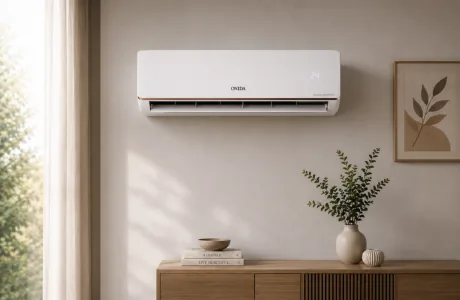

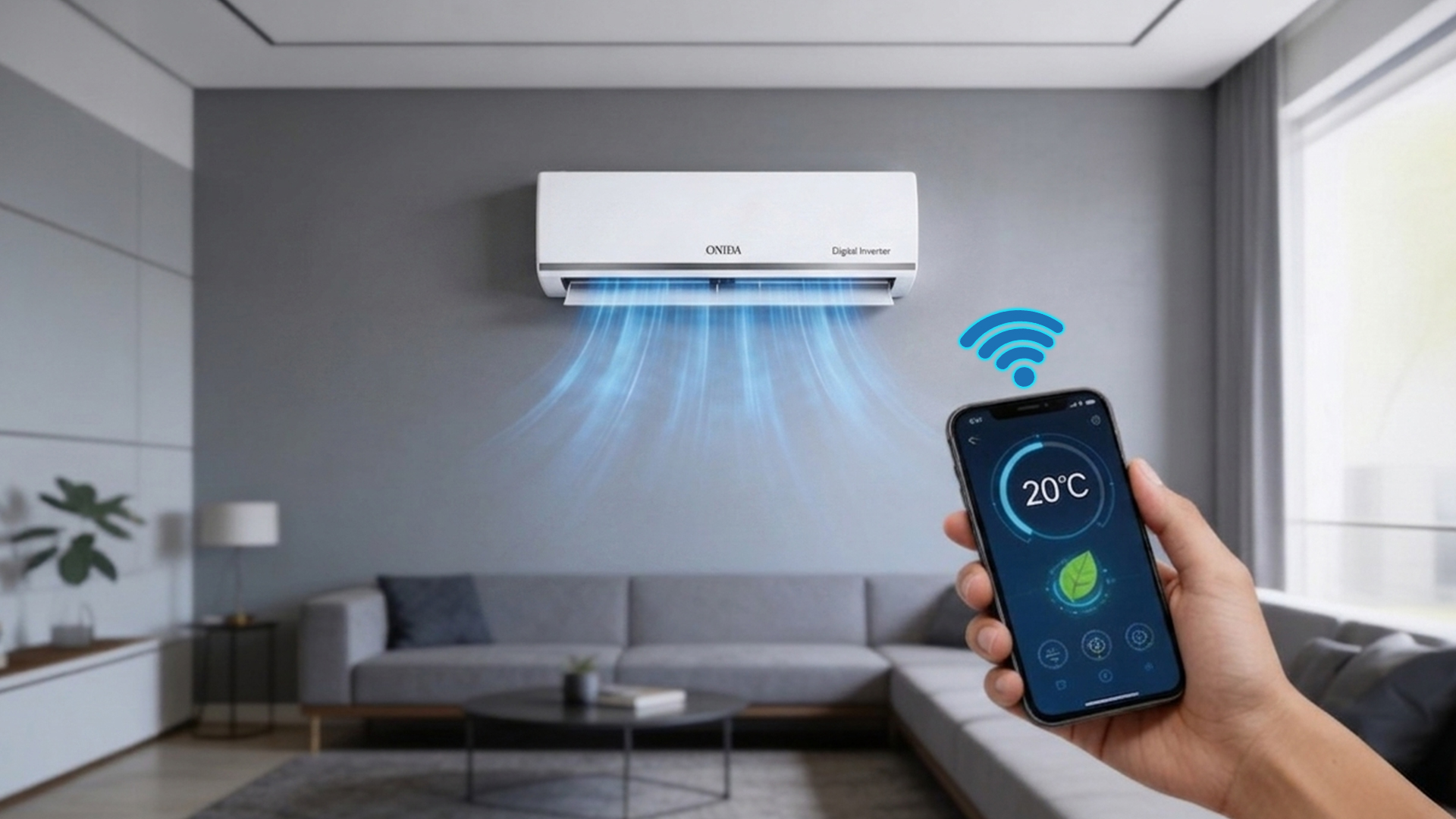
In this guide, Onida explains how smart air conditioner features, specifically Wi-Fi control, Auto Mode, and energy-saving schedules, work in practice and what they mean for your monthly electricity bill during Indian summers. The discussion around smart ACs has relied on marketing language for too long. This guide provides specific numbers, real-world use cases, and a straightforward account of which features are genuinely worth paying for.
Simply put, a smart AC with Wi-Fi connectivity and intelligent scheduling can cut your AC's electricity use by 20 to 25% compared to the same inverter unit used without scheduling or remote management. The savings come not from the technology itself but from the precision it allows. You can turn the unit on 20 minutes before you get home rather than leaving it running all day. You can also set it to Sleep Mode automatically at 11 pm or switch to 60% convertible capacity for cooler evenings. Onida's Wi-Fi-enabled models, including the Everest 1.6-ton 4-star smart AC and the IoT-enabled Genio range, provide these features through the Onida Smart Home app, with Alexa voice integration on some models. Here is how each feature works.
A Wi-Fi-enabled AC has a small wireless module in the indoor unit that connects to your home's 2.4 GHz network. Once set up through a companion app, in Onida's case, the Smart Home app, you can access the AC from anywhere with an internet connection.
The control options available through a Wi-Fi-connected smart AC are extensive. You can turn the unit on or off, adjust the temperature, switch modes (Cool, Dry, Fan, Auto), change fan speed, activate turbo or sleep mode, set timers, and, for Onida's IoT-enabled range, create daily or weekly schedules. A significant benefit for Indian households is the ability to turn the AC on 15 to 20 minutes before arriving home, rather than leaving it on all day. A 1.5-ton inverter AC running for 9 hours daily consumes about 10-12 units of electricity. Reducing that to 7 hours through remote scheduling saves 2 to 3 units per day. At ₹7 to ₹8 per unit in Maharashtra or Karnataka, that equals ₹14 to ₹24 per day, or ₹1,700 to ₹2,900 over a 120-day summer.
Onida's split AC with built-in Wi-Fi and AI, including the Genio range, also supports infrared (IR) bridging. This means the app can control not only the Onida unit but also other IR-controlled home devices through the same interface. This makes the Onida Smart Home app a real home control hub, not just an AC remote.
Auto Mode on a basic inverter AC maintains a set temperature. The compressor speeds up when the room warms and slows when it cools. This is the basic principle of inverters. On a smart air conditioner, Auto Mode is much better because it uses sensor data rather than just thermostat logic.
Onida's AI-enabled models use an iFeel sensor, which is a remote-mounted temperature sensor. It reads the temperature where you are, rather than at the indoor unit on the wall. This change solves a common problem with ACs in Indian bedrooms: overcooling. When the sensor is on the wall behind a wardrobe or near a window, it often misreads the actual room temperature. This can cause the unit to run too cold or short-cycle. A remote-mounted iFeel sensor fixes this, allowing the compressor to run at the right speed.
For high-end models, Onida's AI algorithm in Auto Mode analyses the time of day, room load, and outside temperature to create an optimised cooling plan. It adjusts the compressor speed in real time rather than reacting after a temperature change. Industry data suggests that inefficient AC use, such as using the wrong mode or temperature settings and not scheduling, increases consumption by 20 to 30% during peak summer months. Properly configured Smart Auto Mode reduces these inefficiencies without requiring any user action.
For anyone considering whether a smart AC 1.5-ton is worth the extra cost compared to a standard inverter model, the table below compares the two across features that affect daily convenience and electricity use in India.
| Feature | Manual Split AC | Smart AC (Onida Wi-Fi Models) |
| Remote control | IR remote only — same room | App + IR remote — from anywhere in the world |
| Temperature scheduling | Manual only — must be physically present | Daily/weekly on-off schedules via app |
| Auto Mode intelligence | Basic thermostat — maintains set temp | AI sensing — adjusts for room load & external heat |
| Energy monitoring | Not available | App dashboard — unit-by-unit consumption tracking |
| Sleep Mode | Remote-based; basic | App-controlled; gradual temp increase through night |
| Voice control | Not applicable | Alexa / Google Home compatible (brand-dependent) |
| Geofencing/presence | Not available | Some premium models: auto-on when near home |
| Self-diagnosis / alerts | No fault visible only on the display | App error code push notifications |
| BEE star rating impact | No change — usage pattern determines bill | Smart scheduling reduces runtime; effective ISEER improves |
| Best suited for | Occasional use, budget buyers | Tech-savvy users, frequent travellers, office-hours homes |
Scheduling on a smart air conditioner is where the real savings come in. Most Indian households with a 9-to-6 work schedule keep their AC set to the same settings from when they turn it on until they go to sleep. This wastes energy during the coolest hours of the morning and the hours when no one is in the room.
A good energy schedule for an Indian household during peak summer (April to June) using an energy-efficient air conditioner in 2026 might look like this:
6:30 am — Off (mornings are cooler; natural ventilation is enough before 9 am in most cities)
5:30 pm — Switch on via app, set to 26°C at 80% convertible capacity (room pre-cools before you get home at 6 pm)
10:00 pm — Auto-switch to Sleep Mode (temperature rises 0.5°C per hour overnight, fan slows)
6:00 am — Off via timer
Following this schedule, rather than running the AC continuously from 7 am to 7 am at a set 22°C, reduces daily runtime from about 12 hours to 8 hours. It also replaces constant cold operation with load-matched cooling during occupied times. For a 1.5-ton 3-star inverter AC that consumes about 950 kWh annually under typical conditions, this approach can reduce consumption by 15-25%, saving between ₹1,000 and ₹1,700 per year at a rate of ₹7 per unit.
The Onida Smart Home app (available for iOS and Android) lets you set daily and weekly schedules for each Onida Wi-Fi-enabled AC. You can configure different schedules for weekdays and weekends, pre-set modes for early mornings and late nights, and receive alerts for energy consumption if usage exceeds a set limit.
Voice control integration makes your AC part of a broader smart home. You can adjust the temperature while cooking, switch modes from bed without reaching for the remote, or set an evening routine alongside your lights and music.
For voice control to work, you need three things: a compatible smart AC, a smart speaker or device with Alexa or Google Home, and both devices connected to the same Wi-Fi network. The setup process involves enabling the AC's skill in the Alexa app or adding it as a device in the Google Home app, then linking your Onida Smart Home account. Onida's ONXYS model has built-in Alexa voice control. You can say phrases like "Alexa, set AC to 24 degrees" or "Alexa, turn off the air conditioner" without opening any app. Voice commands are especially useful for making quick temperature adjustments at night when reaching for the remote feels like too much effort.
Wi-Fi connectivity issues with smart ACs in India often stem from one of four reasons: the router broadcasting on 5 GHz instead of 2.4 GHz (most smart AC units only support 2.4 GHz); an incorrect Wi-Fi password entered during setup; the indoor unit being too far from the router with no clear signal path; or the app needing to be reinstalled after a phone OS update.
The solution for the most common issue, the 5 GHz network, is simple. Access your router settings and make sure the 2.4 GHz band is enabled and broadcasting with its own network name (SSID). Connect your smart AC to this 2.4 GHz SSID during setup. If the unit connects initially but frequently drops the connection, the problem is usually signal strength. Placing a Wi-Fi extender between the router and the indoor unit typically solves this issue. For ongoing troubles with Onida's Smart Home app, Onida's service network includes over 1,200 centres across India that offer dedicated technical support.
A smart AC with Wi-Fi control usually costs between ₹2,000 and ₹5,000 more than a similar non-Wi-Fi inverter model of the same capacity and star rating. Whether this extra cost is justified depends on how the household uses the AC.
For households where at least one person is out of the home for over 8 hours daily, and the AC would otherwise run unattended or be left on out of habit, the smart AC pays for itself within one summer through savings from scheduling alone. The annual savings of ₹1,700 to ₹2,900 from remote on/off control recovers a ₹3,000 premium in 12 to 18 months.
For households where someone is home all day and the AC runs in a fixed, predictable pattern, the energy-saving benefit is less compelling, though the convenience of app control, Sleep Mode automation, and voice commands still adds real value.
Among Onida's current options, the Onida Everest 1.6-ton 4-star smart AC is the top recommendation for buyers wanting built-in Wi-Fi as a standard feature. It combines digital inverter technology, 5-in-1 convertible cooling, a 100% copper coil, a 55°C ambient rating, a 4-way swing, and an AI deep-cleaning mode, all in a BEE 4-star rated unit. For buyers looking to stay within the 1.5-ton category, Onida's IoT-enabled Genio and ONXYS models provide full app and Alexa connectivity at competitive prices.
Read Onida's complete AC buying guide for tips on matching capacity, star rating, and smart features to your specific home and usage needs.
Download the Onida Smart Home app, connect your Wi-Fi-enabled Onida AC to your 2.4 GHz home network during setup, and you can control the unit from anywhere in the world. The app allows full control: on/off, temperature, mode, fan speed, scheduling, and energy monitoring. Make sure your router broadcasts only on 2.4 GHz, as most smart AC units do not support 5 GHz networks. Setup takes about 5 minutes for a first-time user.
Yes, a smart air conditioner with AI-based Auto Mode reduces electricity use by eliminating inefficiency, not by cooling less. AI Auto Mode uses real-time sensor data to run the compressor at exactly the right speed, rather than waiting for a temperature threshold to be crossed. Industry analysis shows that inefficient AC usage patterns, like setting the wrong temperature, failing to schedule, or overcooling, increase peak-summer consumption by 20 to 30%. Smart Auto Mode addresses all these issues without user input.
Open the Onida Smart Home app, select your AC unit, go to Schedule, and set on/off times for each with your preferred mode and temperature. You can create separate schedules for weekdays and weekends. The most effective schedule for Indian office-hours households is: off during the day (7 am to 5:30 pm), on at 26°C from 5:30 pm, and auto-switch to Sleep Mode at 10 pm. This reduces daily runtime from 12 hours to about 8 hours, saving 15-25% on 1.5-ton split AC energy use over a 120-day summer.
A manual split AC can only be controlled by an IR remote when you are in the same room, whereas a smart AC can be controlled from anywhere via a smartphone app, voice assistant, or scheduled timer. The practical difference in India is significant. A manual AC left running during office hours wastes 4 to 6 units per day, while a smart AC scheduled via app does not. Over a 120-day summer, that translates to savings of ₹1,700 to ₹2,900 in avoidable electricity costs at standard tariff rates.
Yes, any Wi-Fi-enabled smart AC connected to your home network can be turned on from your office, another city, or abroad using the companion app. For Onida's Wi-Fi models, the Onida Smart Home app provides this control worldwide. The best approach is to set a schedule: turn the unit on 15 to 20 minutes before you plan to arrive home. This cools the room without leaving the AC running all day.
A well-configured schedule on a 1.5-ton 3-star smart air conditioner can lower your summer electricity bill by ₹1,700 to ₹2,900 per season (120 days), compared to leaving the same unit running unmanaged. This assumes reducing daily runtime from 12 to 8 hours through remote on/off control, at a rate of ₹7-₹8 per unit (Maharashtra/Karnataka tariff). Savings increase further if you include Sleep Mode scheduling, which cuts overnight energy use by an additional 10 to 15%.
A smart AC makes sense in India if someone in your home is regularly out for 8 or more hours daily. The savings from scheduling alone can recover the Wi-Fi premium of ₹2,000 to ₹5,000 within one to two summers. For households where the AC runs in a fixed, predictable pattern, the financial advantage is modest, but the convenience of voice control, remote on/off, and Sleep Mode automation remains very useful. Onida's Everest 1.6T+ 4-star is currently the recommended option for built-in Wi-Fi in the Onida range.
To use voice control with your AC, ensure it is a Wi-Fi-enabled smart AC, link your smart AC account to the Alexa or Google Home app, and then control it with voice commands. For Onida, the ONXYS model supports Alexa integration directly, as confirmed on onida.com. Enable the Onida skill in the Alexa app, sign in with your Smart Home credentials, and you can use commands like "Alexa, set the AC to 24 degrees" right away. Setup takes less than 5 minutes.



Please dispose of e-waste and plastic waste responsibly.
For more information or e-waste pick up, please call 7490 9555 55 or
click here for more details.